You’ve probably been there. You’re elbow-deep in a recipe, or maybe you’re trying to split a massive dinner bill between seven people who all ordered different appetizers. You trigger the assistant. You ask a Siri math question. Sometimes, it’s flawless. Other times? It’s a total disaster. Why does a device with more processing power than the computers that went to the moon struggle with a simple "What is zero divided by zero?"
It’s weird.
People treat Siri like a calculator, but it’s actually more like a translator that happens to have a calculator app in its pocket. When you ask it something, it has to parse your voice, turn that into text, understand the mathematical intent, and then fetch an answer. Most of the time, it hands the heavy lifting off to WolframAlpha, a computational knowledge engine. If that connection flickers or if your phrasing is even slightly "off," the whole thing falls apart. It's not just about numbers; it's about linguistics.
The Viral Siri Math Question That Broke the Internet
Remember the "0 divided by 0" trend? If you haven't tried it, go ahead. Ask Siri.
The response used to be famous for being surprisingly sassy. Siri would tell you that you have zero cookies and you’re trying to split them among zero friends. It ends with a dig about how you have no friends and Sad Monster is sad because he has no cookies. It was a clever bit of Easter-egg programming by Apple engineers to hide a mathematical impossibility. Mathematically, $x/0$ is undefined because there is no number that, when multiplied by zero, gives you $x$.
But beyond the jokes, there are real-world instances where a Siri math question leads to genuine confusion. Take order of operations. If you ask, "What is five plus five times five?" a human might say 50 if they’re just going left to right. A math teacher—and Siri—will say 30 because of PEMDAS (Parentheses, Exponents, Multiplication and Division, Addition and Subtraction).
However, if you mumble? Or if you say "What is five plus five... (pause)... times five?" Siri might just calculate the first part and cut you off. It’s a timing issue, not a math issue.
Why Voice Assistants Struggle With Complex Equations
It’s all about the "Natural Language Processing" (NLP).
Computers love syntax. They love clean lines of code. Humans are messy. We say "and" when we mean "plus," or we say "over" when we mean "divided by." Sometimes we use "over" to mean "greater than." If you ask a Siri math question involving fractions, like "What is one and a half over four," Siri has to decide if you mean $(1 + 1/2) / 4$ or something else entirely.
The WolframAlpha Factor
For years, Apple has leaned on WolframAlpha for the "smart" math. This engine is a beast. It handles calculus, trigonometry, and even high-level physics. But the bridge between Siri’s ear and Wolfram’s brain isn't always stable. In recent iOS updates, Apple has tried to move more of this processing "on-device." This makes it faster. It also makes it localized.
But it also means that if the on-device model isn't trained on a specific phrasing, it defaults to a basic web search. And a web search isn't a calculation. It's just a list of links. That's why you sometimes get a Wikipedia page instead of a number.
Common Errors and How to Avoid Them
The most frequent fail happens with currency conversions. Currencies fluctuate every second. If you aren't connected to the internet, Siri might use cached data from three hours ago. If you're trading crypto or doing high-stakes forex? That’s a problem.
- Tip 1: Use "plus," "minus," "times," and "divided by" specifically. Avoid "and" or "with."
- Tip 2: If you have a long equation, break it up. Ask for the first part, then "multiply that by."
- Tip 3: Check your settings. If Siri is set to a different region, it might struggle with decimal points versus commas in large numbers.
There's also the "Percentage Off" problem. People often ask, "What’s 20 percent off 80 dollars?" Siri usually handles this well now, but it used to struggle with the "off" part, sometimes just giving you what 20% of 80 is ($16) rather than the final price ($64). Apple has patched a lot of this, but it still relies on the context of your previous questions.
The Future of Math on Your iPhone
With the rollout of Apple Intelligence and more advanced LLM (Large Language Model) integration, the way we handle a Siri math question is changing. Traditional Siri was "intent-based." It looked for keywords. Newer versions are "context-aware."
Imagine you’re looking at a PDF of a bill on your screen. In the near future, you won't even have to dictate the numbers. You’ll just say, "Siri, split this four ways," and because it has "on-screen awareness," it will pull the total directly from the pixels it sees. This bypasses the whole "dictation error" phase entirely.
But we aren't quite there for everyone yet.
Right now, we are in a transitional phase. We have the old-school Siri logic clashing with new-school generative AI. This can lead to "hallucinations." An LLM might confidently tell you that $15 \times 15$ is 255 because it "feels" right based on patterns, even though the actual math is 225. Always double-check high-stakes math.
Practical Steps for Accurate Results
If you want to make sure your Siri math question actually yields the right result, you need to treat it like a legacy computer system. Don't be "natural." Be precise.
First, ensure your phone is actually listening before you start the numbers. Wait for the glow.
Second, if you're doing tips, just say "What is an 18 percent tip on 54 dollars and 20 cents." Don't add extra fluff like "Hey Siri, can you tell me what the tip would be..." The more tokens (words) you feed the processor, the higher the chance for a transcription error. "54.20" can easily become "5,420" if there’s background noise or a slight stutter.
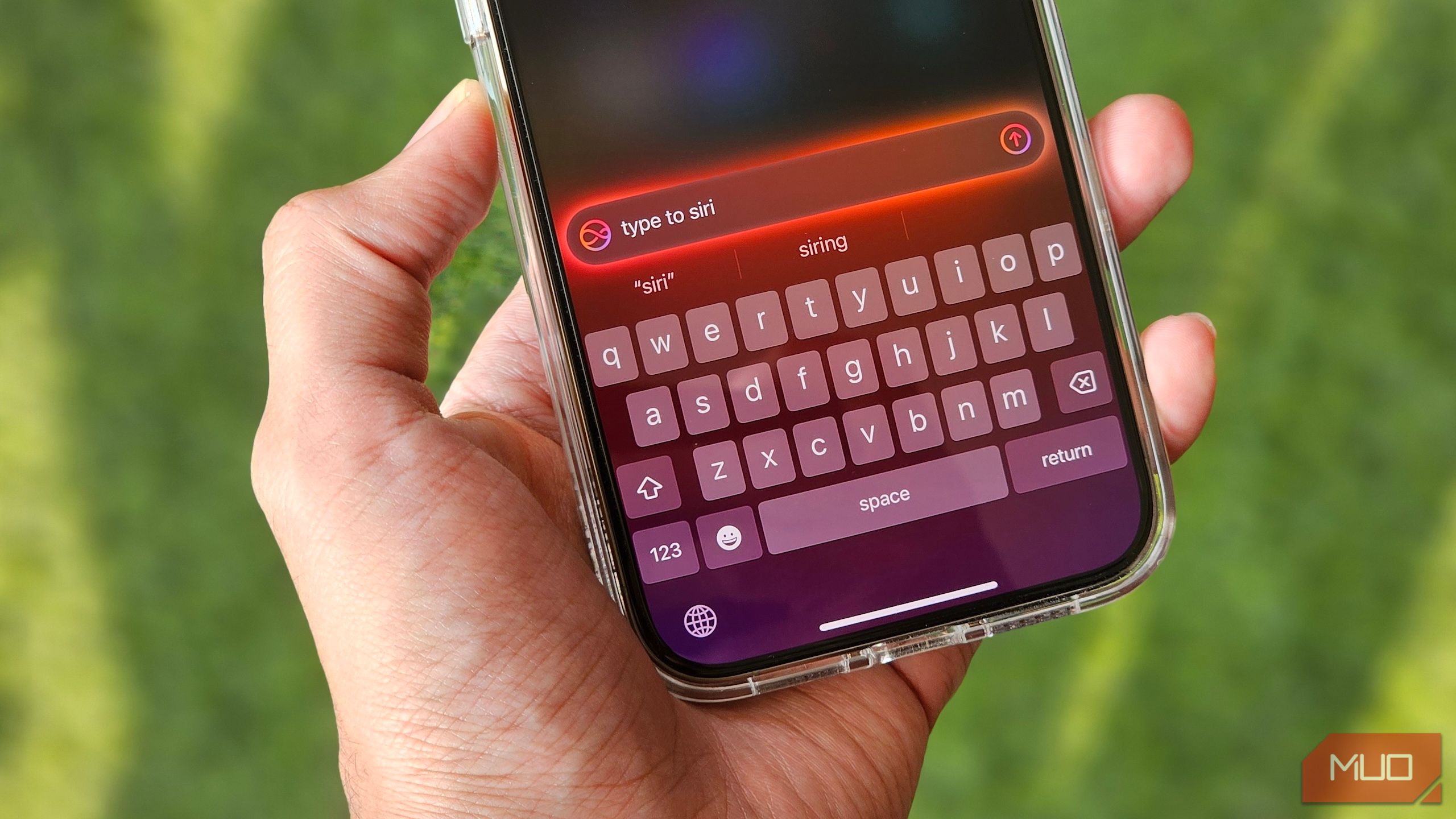
Third, use the "Type to Siri" feature if you're in a loud place. You can enable this in Accessibility settings. It turns the assistant into a text-based calculator that uses the same advanced engines but removes the "hearing" variable.
Honestly, for anything that involves your taxes or a rocket launch, just open the Calculator app. It’s boring. It’s manual. But it doesn't have a personality that might get snarky about cookies.
To ensure you're getting the most out of your device's math capabilities, verify that Siri & Search is allowed to use cellular data in your settings, as many complex queries require a round-trip to Apple's servers. Additionally, if you find yourself frequently doing unit conversions, try phrasing them as "Convert [X] to [Y]" rather than asking "How many [Y] are in [X]," as the former triggers a specific, more reliable conversion module. Always look at the screen to confirm the transcribed text matches what you actually said before relying on the final number.



