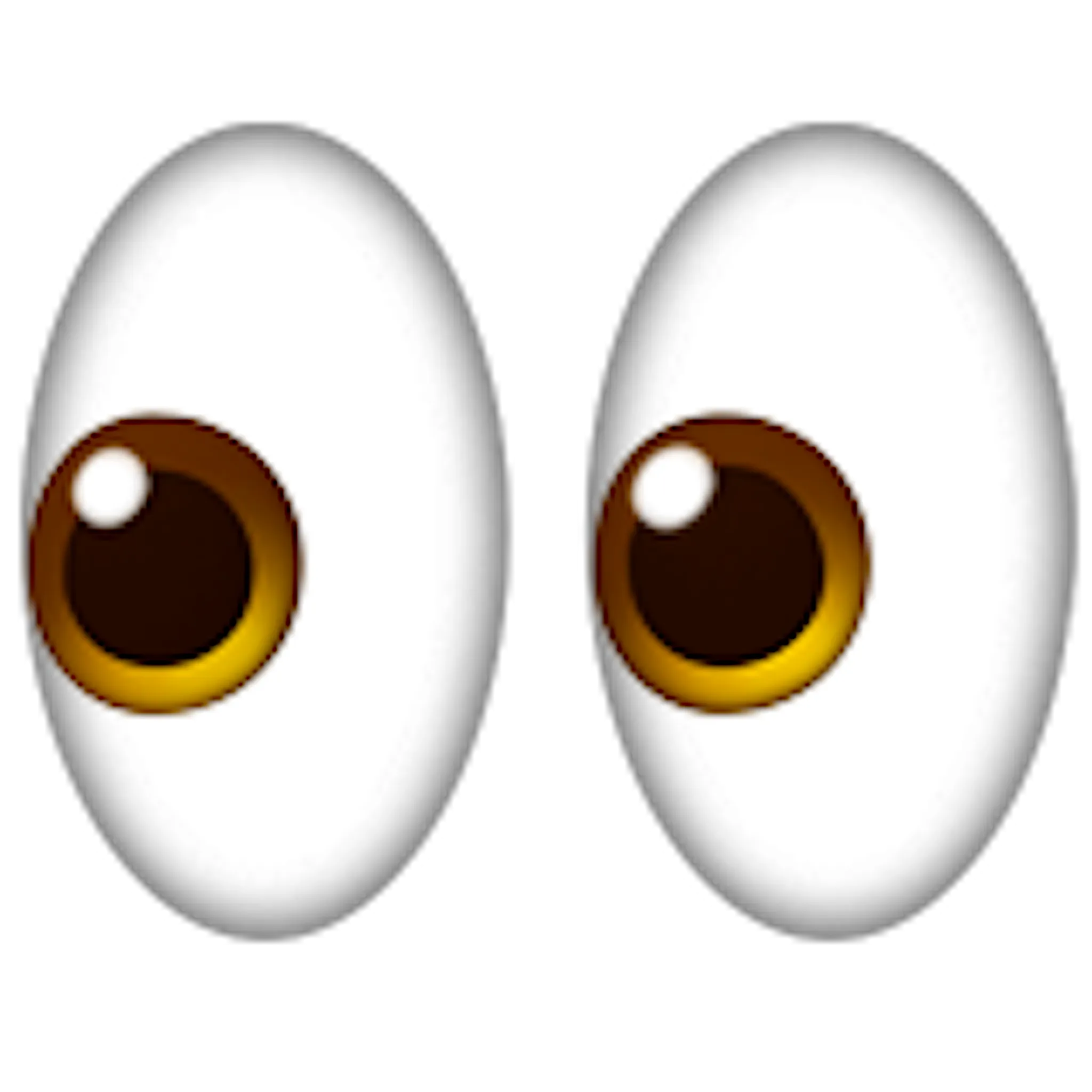
You're in a group chat. Someone drops a take so bad it actually hurts your brain. You don't want to type a paragraph. Honestly, you don't even want to give them the satisfaction of a real word. So you look for it. The yellow face, the massive upward-slanted pupils, the "give me strength" energy. Finding a rolling eyes emoji copy paste shortcut is basically a survival skill in modern digital communication. It’s the universal shorthand for "I literally cannot with you right now."
It's weirdly powerful.
Unlike a laugh emoji or a simple thumbs up, the rolling eyes (officially known as Face with Rolling Eyes) carries a specific type of social weight. It’s passive-aggressive, sure, but it’s also a bonding tool. When you send it to a friend while a third party is being ridiculous, you're creating an instant "us vs. them" dynamic. It’s the digital equivalent of a shared glance across a crowded room.
Where did the rolling eyes emoji copy paste phenomenon come from?
Back in 2015, the Unicode Consortium—the folks who basically decide which pixels get to be symbols—approved Unicode 8.0. This included the Face with Rolling Eyes (U+1F644). It wasn't just another face. It filled a massive emotional gap in our keyboards. Before this, we had to rely on the side-eye (smirking face) or the unamused face, but neither quite captured the sheer exhaustion of dealing with nonsense.
The design actually varies wildly depending on your phone. Apple’s version is the gold standard for many, with those huge, expressive eyes looking straight at the ceiling. Google’s version used to look a bit more "derpy" but has since moved toward a more universal look. Samsung’s version often looks a bit more annoyed than tired. This matters because how you think you're coming across might be totally different on the receiver's end.
Sometimes your keyboard just doesn't show it. Maybe you're on an old desktop, or you're using a specific CMS that’s being finicky. That’s why people still search for rolling eyes emoji copy paste sites. They just want the raw character code to drop into a bio, a tweet, or a Slack status without hunting through a thousand menus.
The psychology of the roll
Why do we do it?
Psychologists often point to the "eye roll" as a sign of contempt. Dr. John Gottman, a famous relationship expert, famously cited contempt as one of the "Four Horsemen" that predict the end of a relationship. In the physical world, it’s a way of saying "you are beneath me" or "this conversation is beneath me."
But online? It’s different.
In the land of memes and TikTok, the rolling eyes emoji is often used for self-deprecation. You’re rolling your eyes at your own bad luck or your own questionable choices. "Just spent $80 on takeout 🙄." You aren't being mean to the restaurant; you're acknowledging your own absurdity. It’s a tool for tone. Because text is flat, the emoji adds the inflection that your voice can't provide.
How to use rolling eyes emoji copy paste without being a jerk
Tone is everything. If you drop a 🙄 in a professional email to your boss, you’re probably getting a meeting with HR. Context is king.
- With Friends: It’s total sarcasm. It’s lighthearted. It’s the "here we go again" vibe.
- With Strangers: It’s a nuclear option. It shuts down conversation. Use it when you’re done arguing about whether a hot dog is a sandwich.
- In Marketing: Brands use it to look "relatable." Think of a brand tweeting about Monday mornings. It’s a bit cliché now, but it still works because we all relate to that "not again" feeling.
The technical side is simple. You highlight the 🙄 character, hit Ctrl+C (or Command+C), and then Ctrl+V where you need it. If you're on a Mac, the shortcut Control + Command + Space brings up the picker instantly. On Windows 10 or 11, it's Windows Key + Period (.). But sometimes, you just want a quick rolling eyes emoji copy paste from a list because those shortcuts can be laggy or pull up the wrong skin tone variations.
The "Eyes" have it: Variations and combos
Sometimes one emoji isn't enough to convey the depth of your annoyance. You've got to stack them.
The "Triple Threat" (🙄🙄🙄) is for when someone says something truly delusional. Then there’s the "Facepalm Combo" (🤦♂️🙄), which translates to "I expected nothing and I'm still disappointed." You might even see the "Nail Polish" pairing (💅🙄) which adds a layer of "I’m unbothered and you’re annoying."
It’s worth noting that in 2026, the way we use these symbols is shifting. We’re seeing more "keyboard smashing" or specific combinations of emojis to create new meanings. But the rolling eyes remains a staple. It's the "White T-Shirt" of emojis. It goes with everything.
The technical headache of emoji rendering
Have you ever sent an emoji and the person replied with "What's that weird box with an X in it?"
That’s a rendering error.
Even though rolling eyes emoji copy paste is a standard Unicode character, older operating systems don't always have the "font" to display it. If you’re using a government computer from 2012, you aren't seeing the roll; you’re seeing a "tofu" (the nickname for those empty boxes).
Also, social media platforms like X (formerly Twitter) or Discord sometimes use their own custom emoji sets (like Twemoji). This ensures that whether you’re on a cheap Android or a high-end iPhone, the emoji looks the same within their app. It’s a way of controlling the "vibe" so messages don't get misconstrued across platforms.
Honestly, the eye roll is one of the most consistent ones, though. It’s hard to mess up "eyes looking up."
Why the eye roll is actually a sign of digital literacy
Using the 🙄 isn't just about being snarky. It’s about understanding the "unspoken" rules of the internet. There’s a certain rhythm to it.
If you use it after every sentence, you look like a grumpy teenager from a 90s sitcom. If you never use it, you might seem a bit stiff or unable to take a joke. The "pro" way to use a rolling eyes emoji copy paste is as a punctuation mark. It replaces the period. It tells the reader how to "hear" the sentence in their head.
"I love working on Saturdays 🙄"
The emoji is doing 90% of the work there. Without it, you sound like a dedicated employee. With it, you’re one step away from quitting. That is the power of a single Unicode character. It’s a linguistic shortcut that saves us time and emotional labor.
Actionable steps for emoji mastery
If you’re looking to up your digital communication game, don't just haphazardly throw emojis around.
- Check your platform. If you're using a professional tool like LinkedIn, maybe use the rolling eyes sparingly. It can come off as more "dismissive" than "funny" in a corporate setting.
- Verify the look. Before you send a high-stakes text to someone with a different phone brand, just remember their 🙄 might look angrier than yours.
- Keyboard shortcuts are your friend. Stop searching for a rolling eyes emoji copy paste every time. Learn the
Win + .orCmd + Ctrl + Spacetricks to keep your flow going. - Use it for self-correction. If you realize you’re being a bit "extra," adding an eye roll at yourself can soften the blow and show you have self-awareness.
Essentially, the eye roll emoji is our digital safety valve. It lets the steam out of frustrating conversations without having to escalate into a full-blown argument. It's the "whatever" of the 21st century, and it's not going anywhere. Whether you're copying it from a site or using a shortcut, you're participating in a global language of collective "done-ness."
Next time you see a post that makes you want to delete your internet connection, you know exactly what to do. Grab that rolling eyes emoji copy paste, hit enter, and move on with your day. It’s the most honest way to communicate in a world that’s constantly trying too hard.