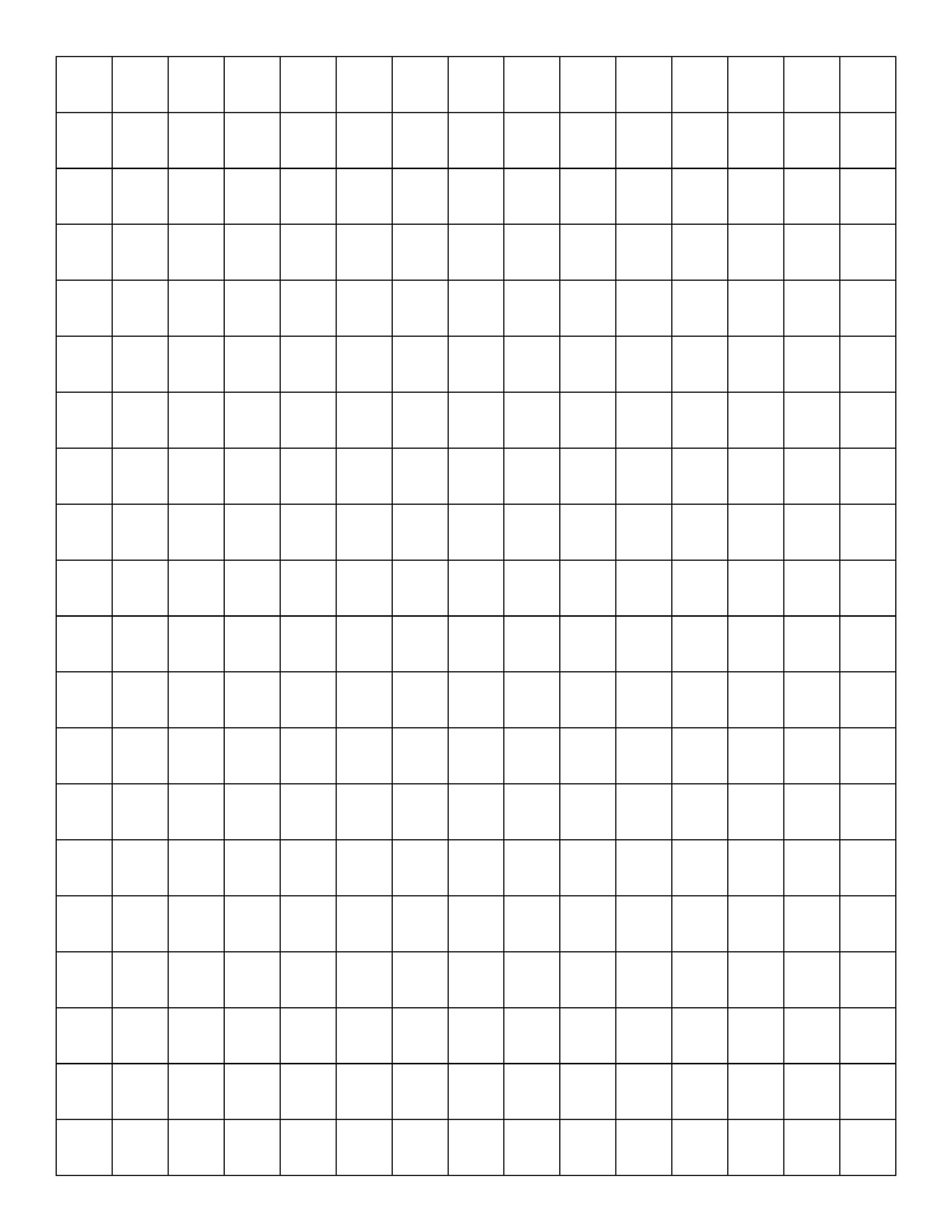
You’ve been there. You’re trying to explain a kitchen remodel to a contractor or sketching out a weirdly specific 3D coordinate for a hobby project, and the iPad just feels... clunky. There’s a strange, tactile magic in a physical printable graph paper grid. Honestly, even in 2026, with all our digital tools, a clean sheet of Cartesian paper feels more like a blank canvas than a spreadsheet ever will. It’s about the friction. It’s about the way a pencil lead actually bites into the paper.
Most people think of graph paper as that dusty green pad at the back of a junk drawer. But if you’re looking for a specific printable graph paper grid, you probably realize that one size doesn't fit all. Engineering, quilting, D&D map making—each needs a different line weight and square size.
The Math Behind the Lines
Not all grids are created equal. You’ve got your standard Quad Rule, which is usually four squares per inch. That’s the stuff you used in middle school. But for more technical work, people usually hunt for the 5x5 grid (five squares per inch) or the more precise 10x10.
If you're doing something like "Engineering Paper," things get a bit more specialized. Real engineering pads have the grid printed on the back of the sheet so the lines are visible through the translucent paper but don't interfere with your scan or photocopy. When you're searching for a printable graph paper grid to use at home, you have to mimic that. You can actually do this by setting your printer to "light gray" or about 20% opacity. It saves ink. It also keeps the grid from overpowering your actual drawing.
There's also the "Dot Grid." This grew into a massive trend thanks to the Bullet Journaling community started by Ryder Carroll. It’s basically a graph paper grid but without the "walls." You get the alignment of a grid with the visual freedom of a blank page. It’s less "math" and more "vibe."
Why Printing Your Own Beats Buying Pads
Buying a pad of paper at a big-box store is a gamble. Sometimes the lines are too thick. Sometimes the paper quality is so thin that your ink bleeds through like a watercolor painting. By finding a solid printable graph paper grid, you control the medium.
Want to use 100lb cardstock for a sturdy prototype? Do it. Want to print on vellum for tracing? Go for it. You can even find "Isometric" grids. These are the ones with the triangles instead of squares. They are essential for 3D sketching. If you've ever tried to draw a box in 3D on regular squares, you know it looks "off." Isometric grids fix the perspective automatically.
The Specifics of Scale
Let’s talk about the nightmare of "Scale to Fit."
If you download a printable graph paper grid PDF, your printer software is going to try to be "helpful." It will shrink the page to fit within the "printable area" (those 0.25-inch margins printers hate). If you do this, your 1/4 inch grid is no longer 1/4 inch. It’s now some useless, random fraction like 0.237 inches.
If you are a woodworker or a student, that’s a disaster. Always, always select "Actual Size" or "100% Scale" in your print settings. You might lose a few squares on the edges, but at least your ruler will actually match the lines on the paper.
Digital vs. Physical: The Brain Connection
There’s actually some fascinating research into how we process information when we write by hand. A study published in Frontiers in Psychology by Audrey van der Meer showed that the brain is more active when writing by hand compared to typing. The complex movements of a pen on a printable graph paper grid create more "hooks" for memory.
I’ve talked to designers who swear that their best ideas start on a printed grid. Digital tools are too perfect. They make you want to align everything perfectly before you even have a good idea. A piece of paper allows for "productive messiness." You can scribble, cross out, and draw over the lines. It’s a low-stakes environment.
Unexpected Uses for Grids
- Cross-stitch and Embroidery: People use a 10-count grid to map out patterns. It’s much cheaper than buying specialized software.
- Log Cabin Quilting: Precise geometry is the lifeblood of a good quilt. A grid helps you calculate the "seam allowance" without losing your mind.
- Terraria or Minecraft Planning: Gamers still use graph paper to map out massive builds. It’s easier to see the whole "map" on a desk than by scrolling through a tiny in-game UI.
- Data Visualization: Sometimes, plotting a small set of points by hand helps you see the trend better than an automated Excel chart.
Finding the Right Template
When you're looking for a printable graph paper grid, don't just grab the first low-res JPEG you find on Google Images. It'll look blurry and unprofessional. Look for Vector-based PDFs. Vector files don't use pixels; they use mathematical paths. This means the lines will be razor-sharp no matter how much you zoom in.
Sites like Incompetech have been the gold standard for this for years. They let you customize the line weight, the color, and the spacing before you download. It’s a bit old-school, but it works flawlessly.
Another thing to look out for is the "Major Line" frequency. On a 10x10 grid, you usually want every 10th line to be slightly darker or thicker. This helps your eyes stay oriented so you aren't constantly counting tiny squares one by one.
Creating Your Own Custom Grid
If you can't find the perfect printable graph paper grid, you can actually make one in about 30 seconds using Microsoft Word or Google Docs.
In Word, you just go to the "Layout" tab, click "Align," and then "Grid Settings." You can set the horizontal and vertical spacing to exactly what you need. Then, take a screenshot or use a "Fill" tool to show the gridlines. It’s not as elegant as a dedicated PDF, but if you need an emergency 0.5cm grid for a homework assignment due in ten minutes, it’s a lifesaver.
Better yet, use a table. Insert a table with 40 columns and 50 rows. Highlight the whole thing and set the row height and column width to the exact same measurement (like 0.25"). Boom. Custom grid.
The Environmental Argument
People argue that printing paper is wasteful. Sure, if you're printing 500 pages and throwing them away. But compared to the rare earth minerals required to produce a tablet and the electricity to keep it charged, a few sheets of sustainably sourced paper aren't the villain here. Plus, paper is biodegradable. Your 2018 iPad Pro is just future e-waste.
Using a printable graph paper grid also means you aren't getting notifications. No pings, no emails, no "breaking news" alerts while you're trying to calculate the load-bearing capacity of a deck or the layout of a garden. It’s a focused, analog experience that digital tools just can't replicate.
Final Practical Steps for a Perfect Print
To get the most out of your grid, follow these steps before hitting that print button. First, check your ink levels. Grids use a surprisingly large amount of black ink if the lines are thick. If you're printing a lot, switch the line color to a light blue—it’s easier on the eyes and uses less "black" cartridge.
Second, verify the paper weight. Standard 20lb office paper is okay, but if you're using a fountain pen, you want 24lb or 28lb "Premium" paper to prevent "feathering" (where the ink spreads out like a spider web).
Finally, keep a master folder on your desktop. Label it "Grids." Save a few different versions:
- A standard 1/4 inch grid.
- A 5mm metric grid.
- A dot grid for journaling.
- An Isometric grid for 3D sketches.
Having these ready to go means you won't have to go hunting for a printable graph paper grid every time inspiration strikes. You just print and start creating.
If you're using the grid for something official, like a patent drawing or a school project, make sure to leave at least a half-inch margin on the left side. This allows you to hole-punch the paper and put it in a binder without punching through your data. It sounds like a small detail, but you'll thank yourself later when you aren't trying to tape over a hole in your most important diagram.
Go ahead and test your printer’s accuracy now. Print a standard 1-inch grid and lay a physical ruler over it. If it doesn't line up, go back into your settings and disable "Scale to Fit." That one tweak is the difference between a tool and a toy.